One link. Your whole event.
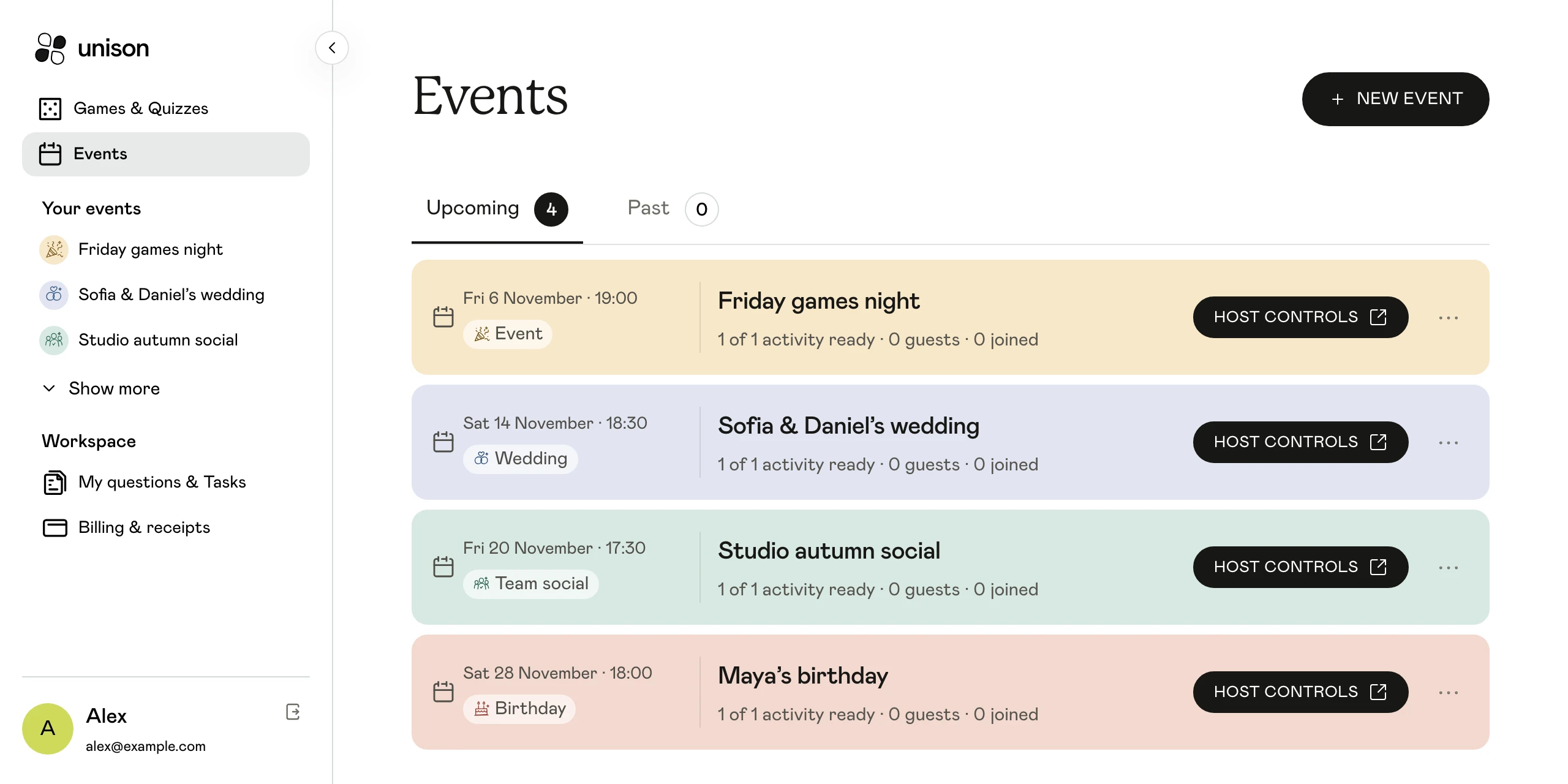
Bring invitations, RSVPs, guest stories and photos together. Prepare the details before the day and host the shared moments from one workspace.
Guests join in their browser. No app to download.
One event. Plenty of ways to take part.
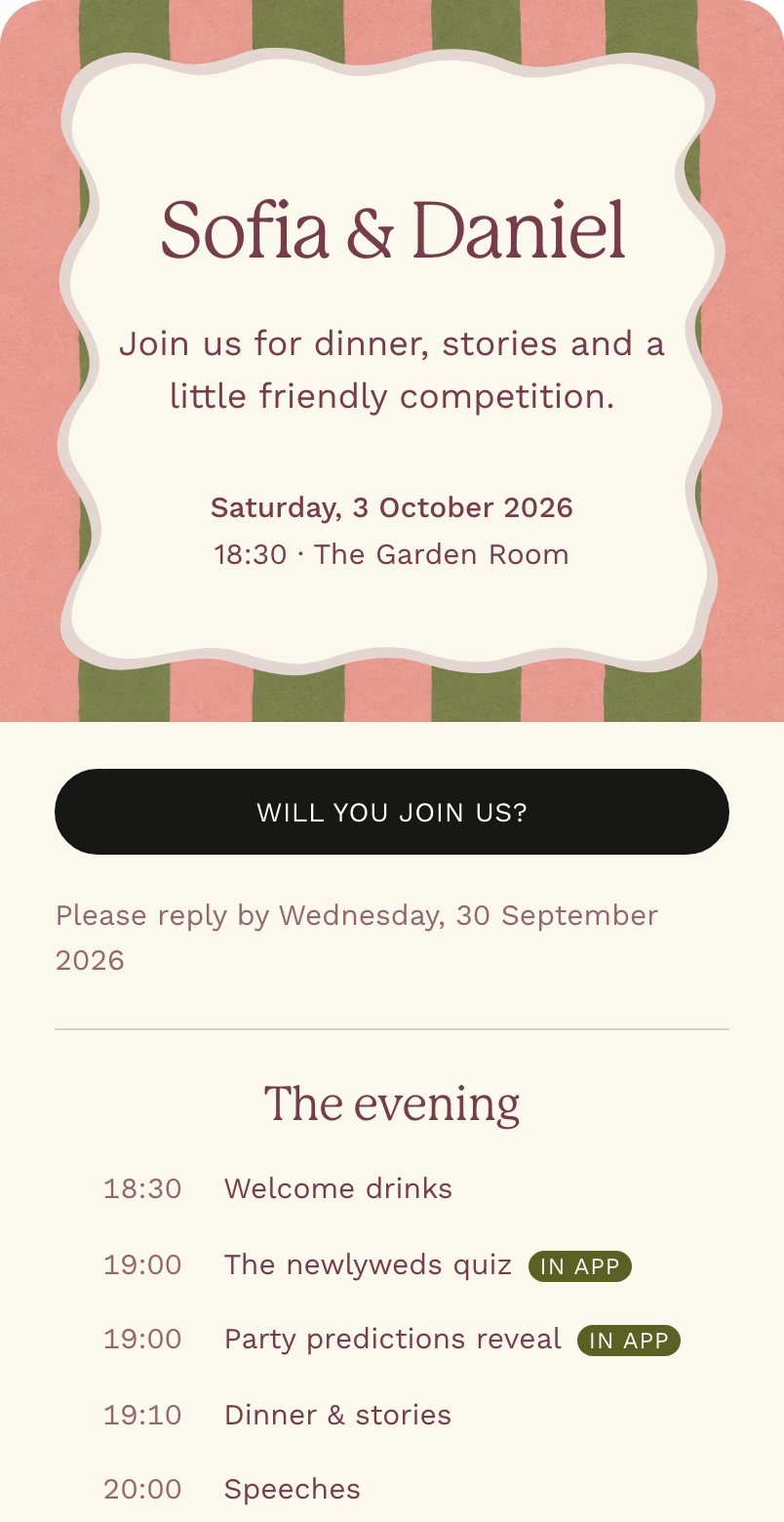
The event starts with an invitation.
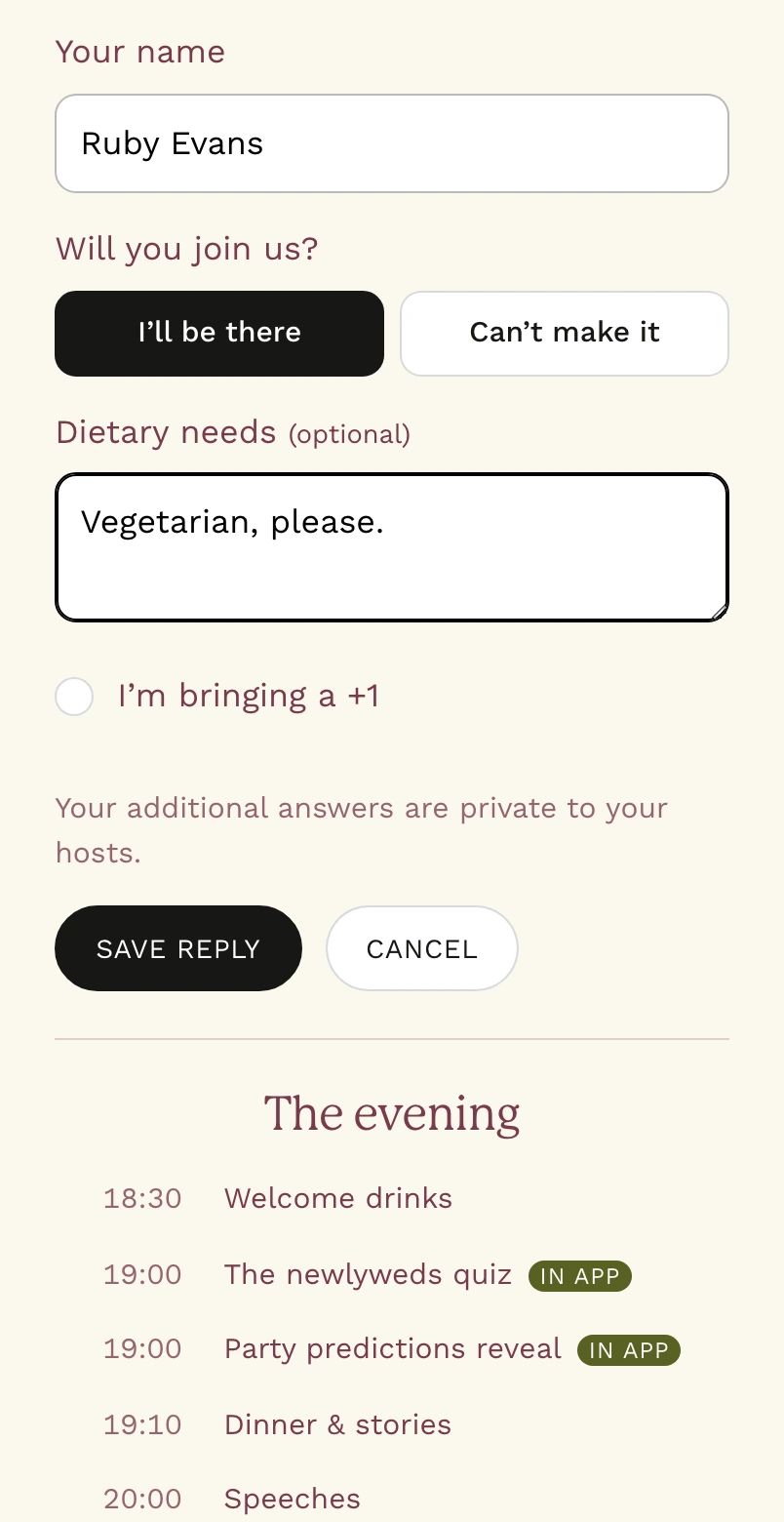
Make an invitation with your event details and share its link. See who is coming and keep guest replies together before the day arrives.
- Personalise the invitation for your occasion.
- Collect attendance and dietary requirements.
- Keep replies organised in your guest list.
Make your guests part of the story.
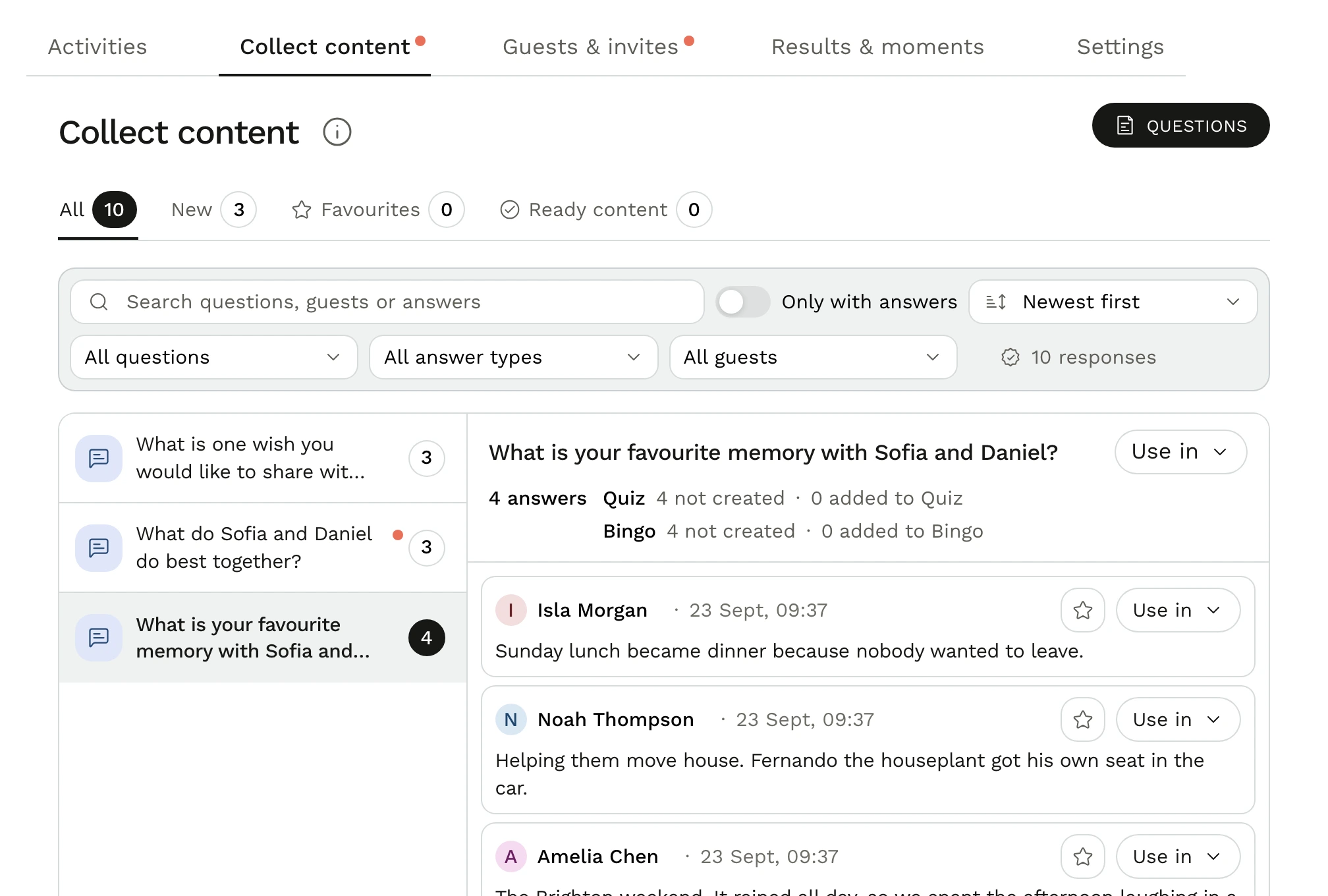
Ask for memories, photos and little-known facts before the event. Review what comes back and choose the answers you want to turn into personal games.
- Send questions to everyone or selected guests.
- Review responses and mark your favourites.
- Use selected answers in a quiz or bingo.
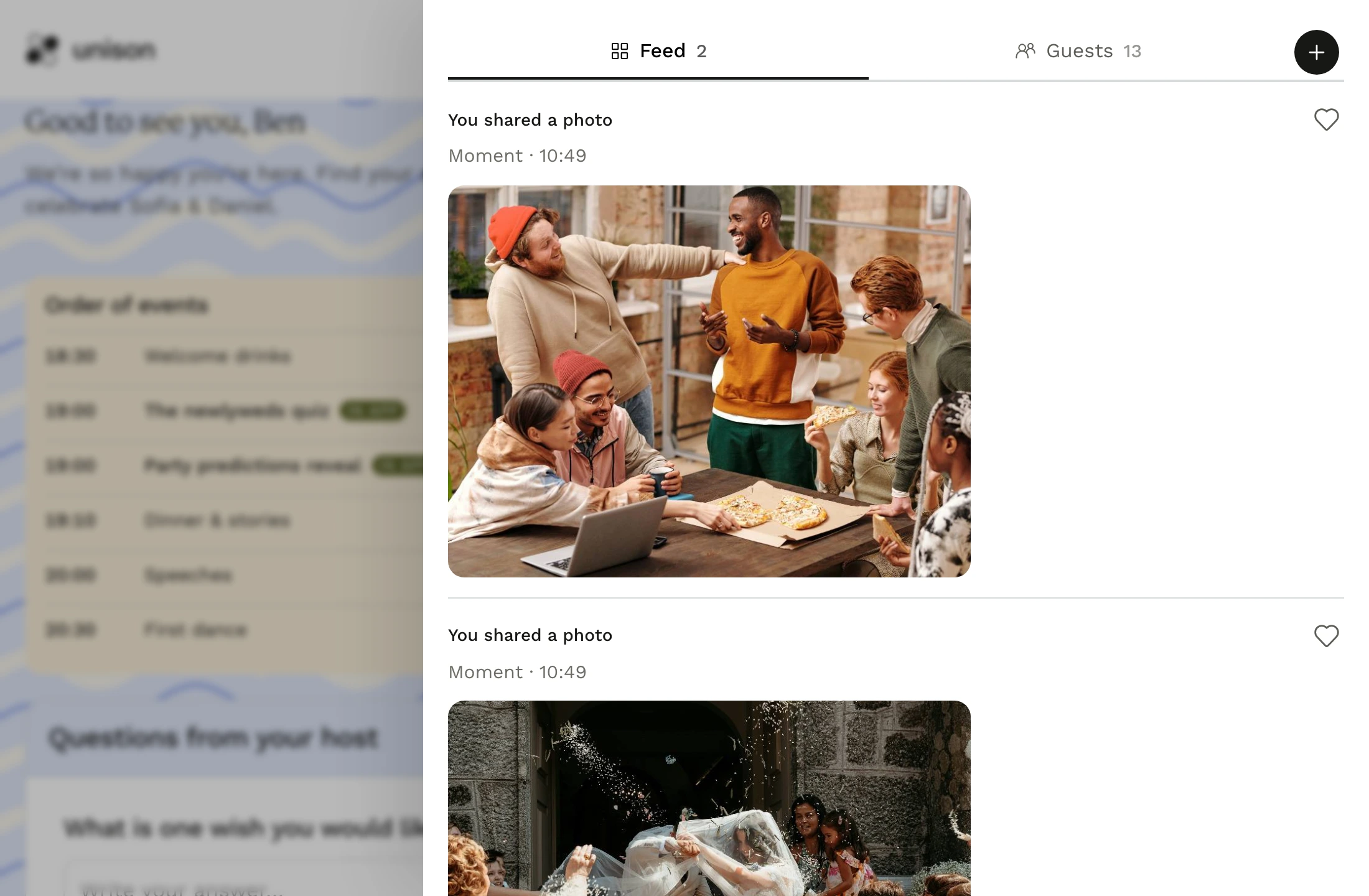
Everyone’s angle. One shared album.
Let guests upload photos from their phones to Moments. Keep the pictures together and bring them onto the shared screen as a slideshow.
- Guests contribute through their event link.
- Bingo and mission photos join the collection.
- Share the moments while everyone is still together.
Keep the evening moving.
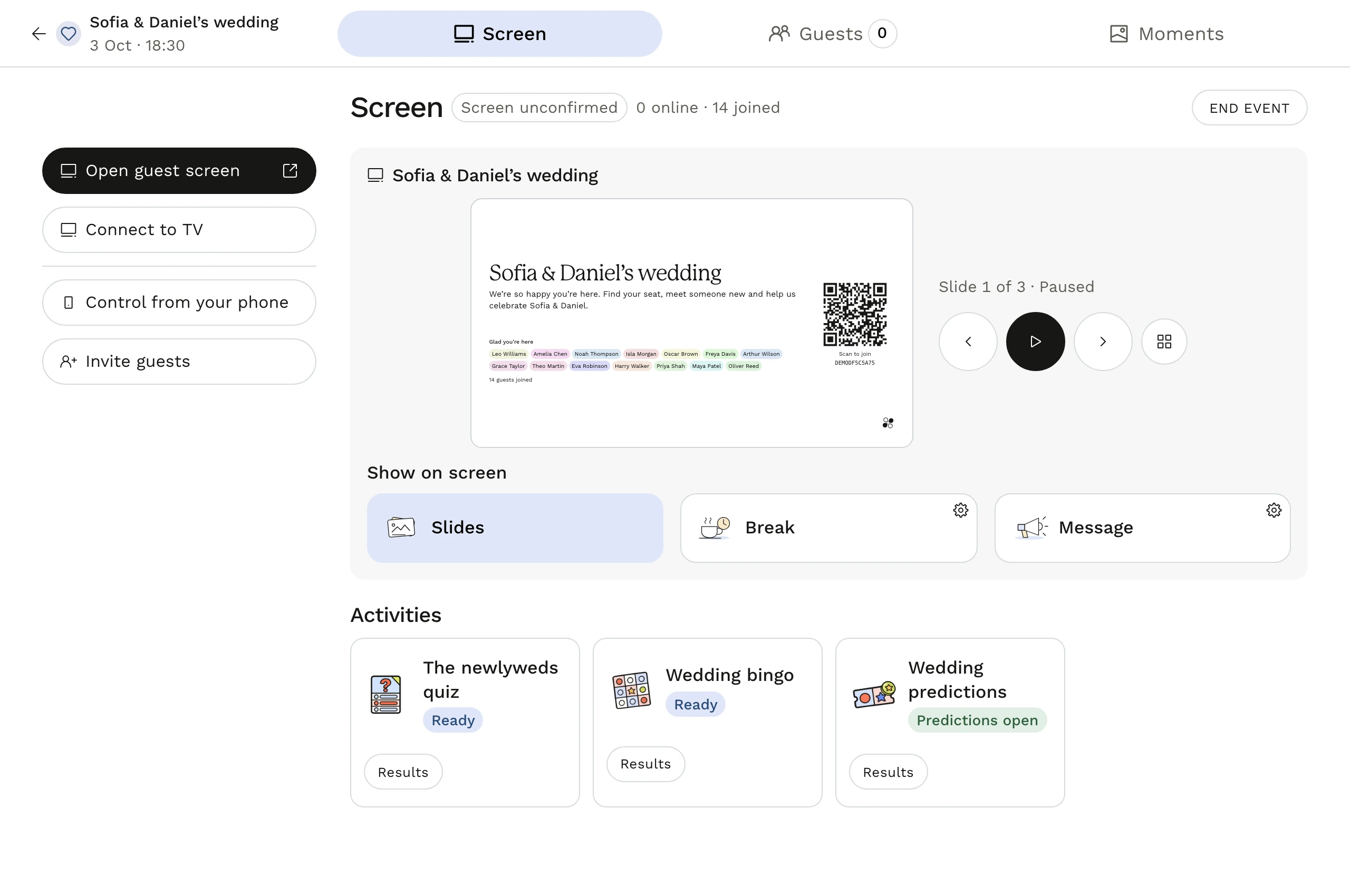
Prepare your programme and run the shared screen from your host controls. Open activities, show slides and reveal results as the event unfolds.
- Put activities and timed moments in one programme.
- Add a Canva link or upload a presentation.
- Control the display on a TV or projector.