Birthday party games with your people at the centre
Give the evening a few moments everyone shares. Choose a personal quiz, bingo or playful predictions in unison and build the birthday around the people coming.
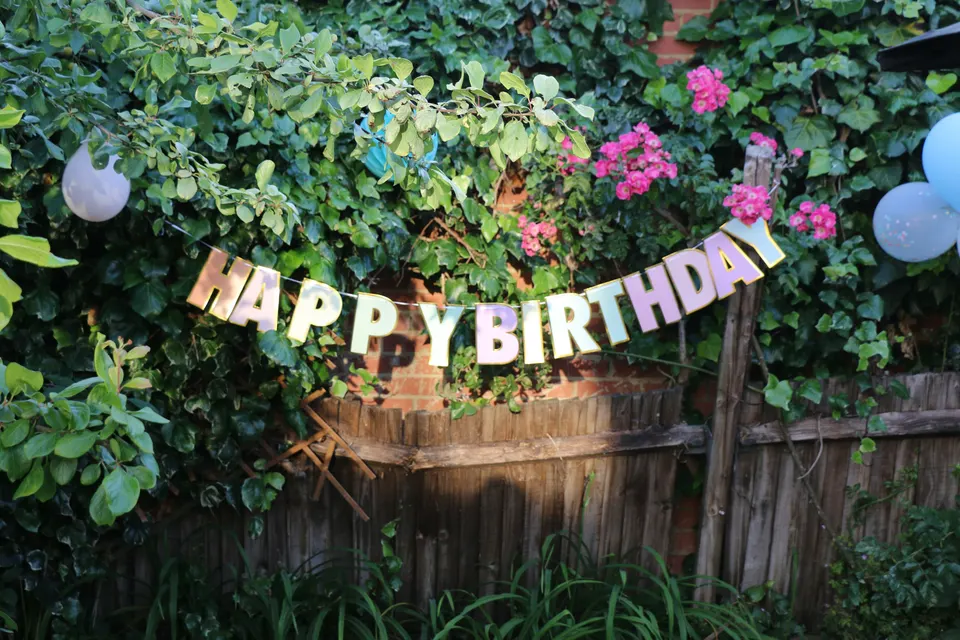
A quiz about the guest of honour
Games for arrivals and the main event
Guest stories with Events
One guest room for the party
Six ways to play at a birthday party
Pick one game for everyone to share, then add an optional activity if it fits the evening.
Make a quiz about the birthday person
Build a quiz from favourite things, childhood photos and the stories friends still retell. Mix in a few ready-made rounds so every guest has a chance.
For a shared moment after dinner
Find out who knows them best
Keep the focus on one person’s tastes and memories. Get the answers first, let guests guess and give the birthday person room to explain the surprises.
For a short, personal game
Use bingo to introduce guests
Use a mixed bingo card with people to meet, photos to take and small tasks to try. Guests can come back to it while the party carries on.
For arrivals and conversation
Make a few predictions
Choose outcomes you can settle that evening, such as a quiz score or a planned birthday choice. Capture the guesses before revealing the result.
Let the guests supply the pictures
Ask for a table group, a photo with someone new or a recreation of an old friendship picture. Uploads join the event feed.
Start with a ready-made game
Choose Year Off for year guesses, Meme Match for picture reactions and voting, or a ready-made music or film quiz. None needs personal material collected in advance; preview the content for the ages and interests in your group.
Match the game to the size of the party
For a birthday around one table, a short quiz can be the main activity. At a larger party, bingo or photo challenges can stay available while people move between rooms.
You can add several activities to one unison event and share one joining link.
A sample birthday evening
- On arrival: open bingo while people settle in.
- After dinner: gather everyone for a personal quiz.
- Before cake: share the scores and one final story.
Make it personal before the party starts
Choose your first activity
Create the birthday event and add a quiz, bingo or predictions. Start with one; you can build the rest of the programme around it.
Invite the memories you need
For personal questions or guest clues, ask a few friends and relatives to contribute privately. Review their answers and photos before using them.
Preview and share
Prepare a quiz on a computer, test the display and sound, then invite guests through the event link. Background activities stay in the same guest room.
Make room for newer friends
Mix family, old friends and newer friends into teams. Add visual clues or ready-made rounds between questions about private memories.
Confirm the answer key with the birthday person or a contributor.
Start with questions you can check
Choose questions about childhood, favourites and shared trips. Add a photo round and save one short story for the final reveal.
Common questions
Can I run just one birthday game?
Yes. Choose a ready-made game or create the birthday with a single activity. You don’t need to plan a full programme.
What works for a milestone birthday?
A photo-led personal quiz can bring several chapters of a life into the room. Invite contributions from different ages and friendship groups, and keep the running order compact.
Can friends send photos before the party?
Yes, with Events. Invite contributions through private questionnaire links, then review the responses and choose the photos you want to use.
Do guests need an account?
No. Guests join through the event link in their phone browser. The organiser prepares and manages the event.
What equipment should I plan for?
A hosted quiz uses a computer, shared screen, guest phones and internet. Bingo and predictions can be available on guest phones without a continuous presentation.
Choose the first game for the birthday
Create the event and add a quiz, bingo or predictions. You can invite friends to contribute stories later.
Plan your birthday games