 Quest
Quest
Build a quest with clues, photos, codes and places to discover. Guests follow tasks on their phones, individually or in teams.
Part of your event. Guests join by link or QR code and take part on their phones.
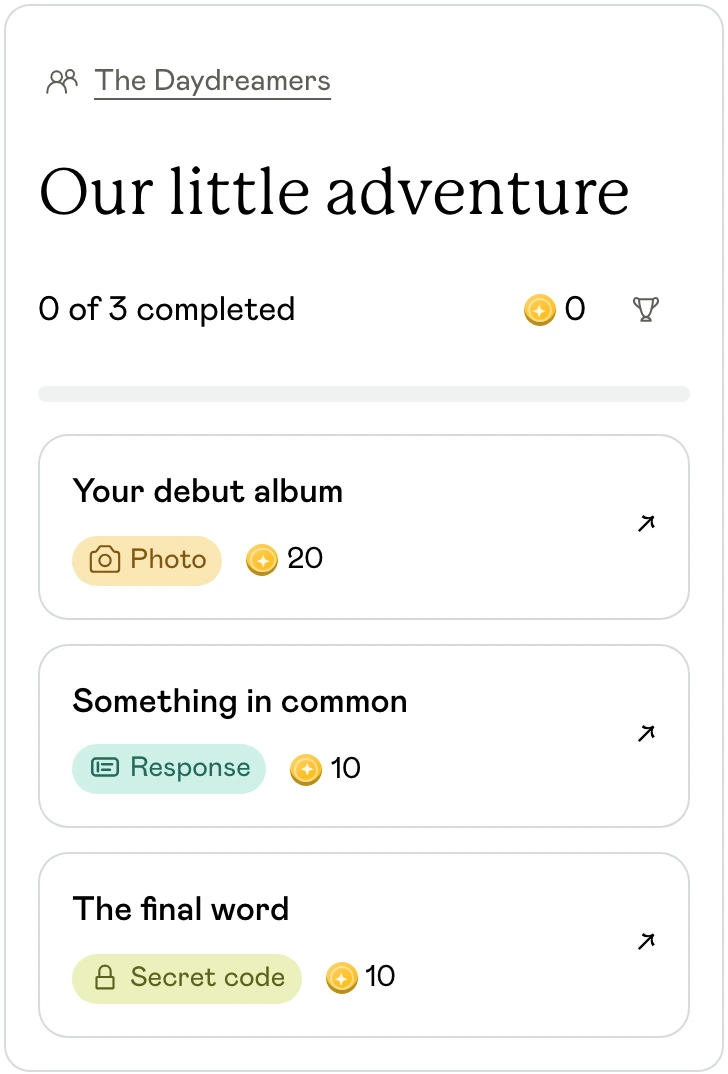
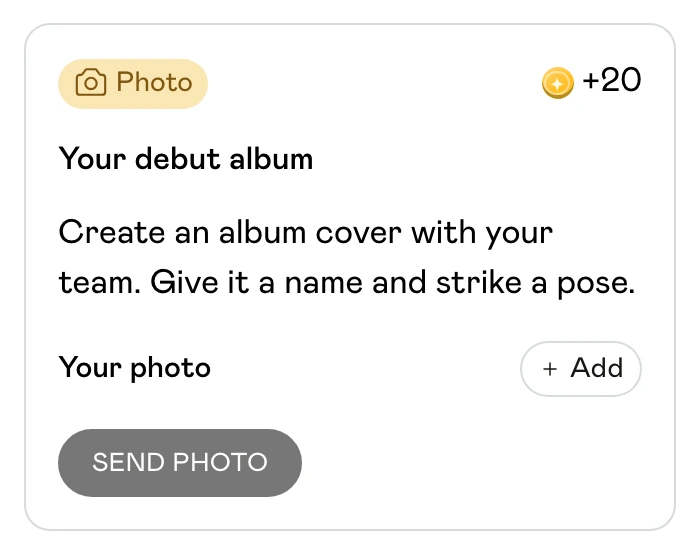
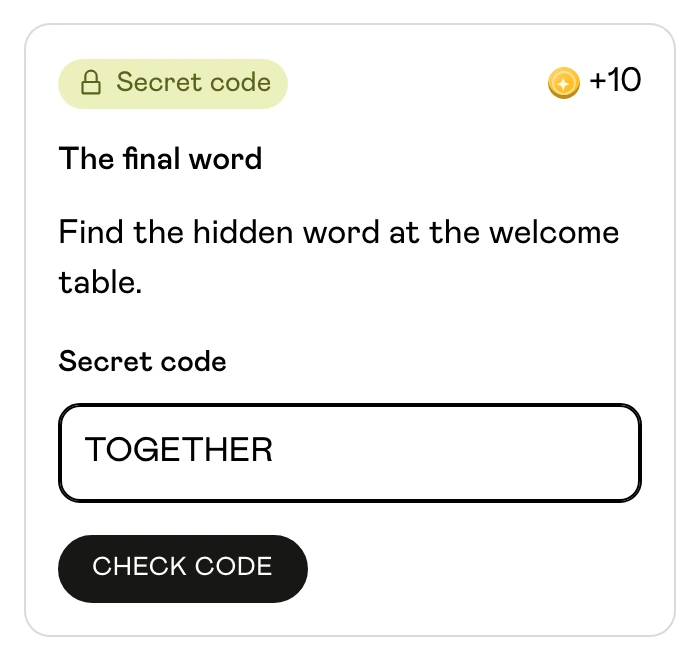
What you can do
Turn your venue, neighbourhood or gathering into a set of things to discover together. Start from a template or build your own tasks, then follow the group’s progress as they play.
Eight task types
Ask for a secret code, photo, video, text answer, multiple-choice answer, a person, a QR scan or a GPS location. Add instructions and supporting links or pictures.
Leave clues to solve
Hide a word at the welcome table or lead guests to a QR code. Let them explore tasks in any order, or follow a trail where completing one task opens the next.
Play solo or in teams
Choose individual entries or shared team progress. Set up teams and their size limits, and decide whether guests can create their own teams.
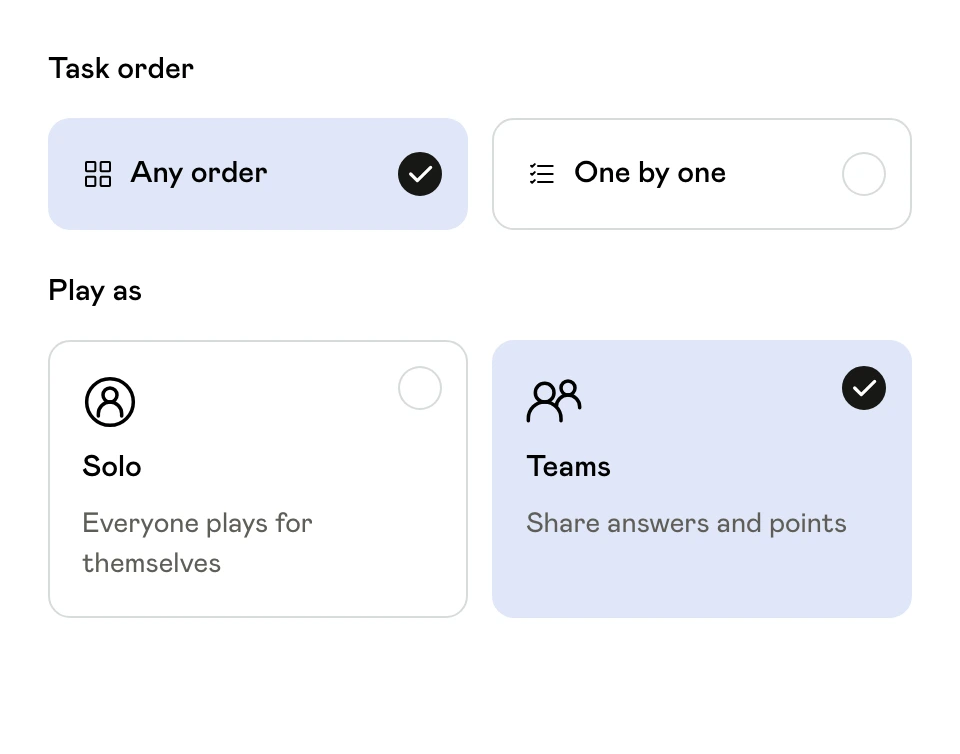
Set a finish worth reaching
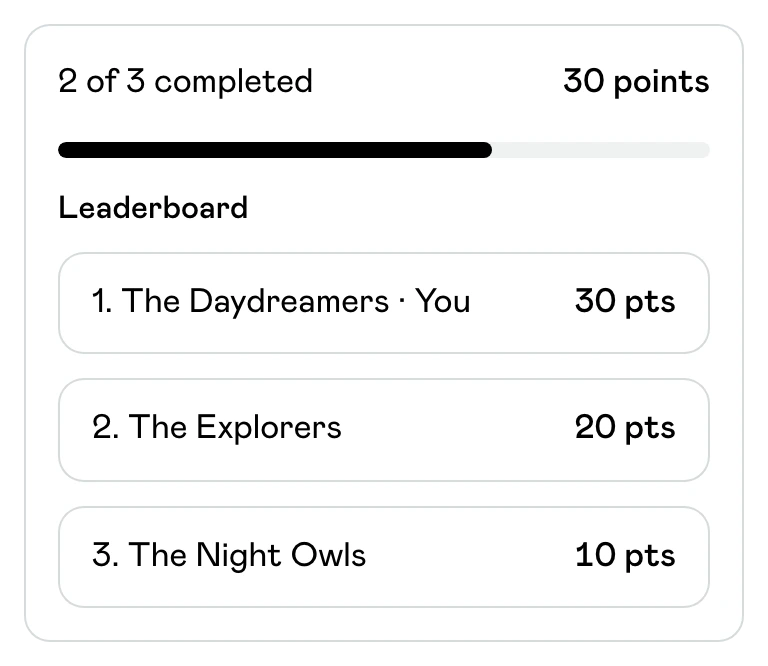
Assign task points, choose whether to show a leaderboard and set the quest’s schedule or duration. End with a message written for your group.
Review the answers
Use automatic checks where the answer is known, review submissions yourself or ask another person to confirm a task. Guests can see when a submission needs review or another attempt.
 How it works
Build your route
Add Quest to an event. Choose a template or add tasks, write clear instructions and select free exploration or a trail.
Check and launch
Preview the guest experience. Set participation, points and timing, resolve any setup warnings, then start the quest and share the event link.
Follow the adventure
Guests open tasks and submit answers from their phones. Review submissions that need approval, follow progress and bring everyone together for the finish.
Make your group’s debut album
Give each team a photo task: invent a band name and pose for an album cover. Add a conversation task and a hidden code at the welcome table. Award points for completed tasks and show the photos when everyone returns.
Plan your first scavenger huntQuestions about Quest
Can I run a quest indoors?
Yes. Photo, text, code, QR and people-based tasks can work in a room or venue. Use GPS tasks when reaching an outdoor location is part of the activity.
Does every task need my approval?
No. Choose the review method for each task. Known answers can use automatic checks; creative photos or written responses can be reviewed by the host.
Can I use it for a birthday, wedding or team gathering?
Yes. The same builder supports each occasion. Change the tasks, setting and team format to suit the people taking part.